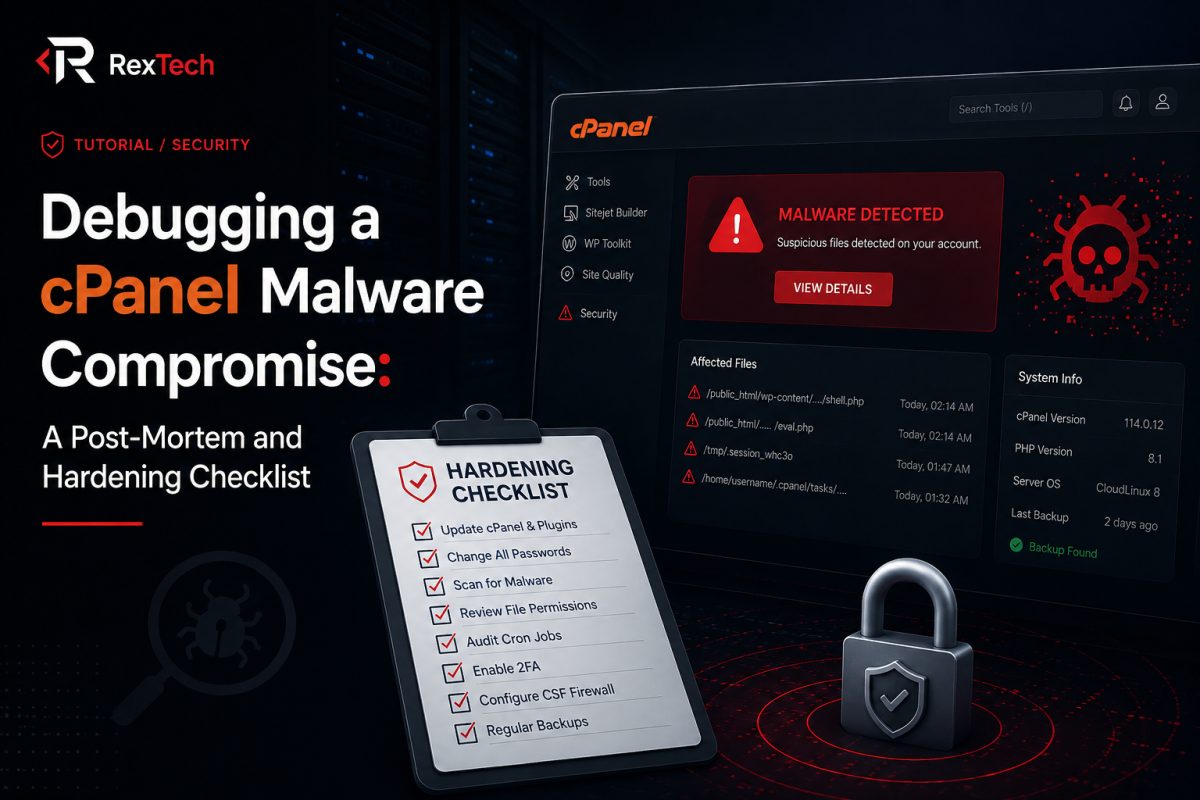
Not long after I finished building out the VIN checker and a handful of other features on AutoContentment, I got the kind of message no developer wants to see from a client: "The site is behaving strangely, can you check it?" What followed was a multi-day investigation into a cPanel-level malware compromise, the kind of experience that teaches you more about server security in a week than months of reading documentation ever could. This post is a post-mortem of what happened, how I found and removed the malware, and the hardening checklist I built afterward to make sure it never happened again.
The First Signs Something Was Wrong
The initial symptoms were subtle. The client mentioned that some pages were redirecting unexpectedly, and Google Search Console had flagged the site with a security warning. A few users reported seeing strange pop-ups they didn't recognize as part of the platform's design. None of this screamed "malware" on its own, redirects and odd behavior can come from a dozen benign causes, a broken plugin, a caching issue, a bad deploy. But the combination, especially the Search Console flag, was enough to treat it as a security incident from the start rather than a normal bug report.
The first thing I did was resist the urge to immediately start deleting files. Compromises are easy to make worse by acting too fast without understanding the scope. Instead, I started with reconnaissance.
Step One: Scoping the Damage
I logged into cPanel and started by checking the file manager's recently modified files, sorted by date. This is one of the fastest ways to spot an intrusion, because most malware injections touch files that haven't been modified in months, and a sudden batch of file changes across unrelated directories is a strong signal of unauthorized access rather than legitimate development activity.
Sure enough, there was a cluster of PHP files modified within the same narrow time window, spread across the public directory and, more worryingly, inside what should have been static asset folders that had no business containing PHP at all. Attackers commonly drop obfuscated PHP files into directories like /uploads or /assets because these folders are often writable by the web server and rarely reviewed by developers, unlike the core application directories.
I also checked the server's access logs for suspicious request patterns, POST requests to unfamiliar file paths, requests with encoded or unusual query strings, and spikes in traffic from IP ranges that didn't match the site's normal user base. This painted a clearer picture: the attacker had exploited a vulnerability, likely through an outdated plugin or an insecure file upload endpoint, to drop a web shell, then used that shell to inject malicious redirect scripts across multiple pages.
Step Two: Identifying the Entry Point
Finding and removing malicious files stops the bleeding, but if you don't find the actual entry point, the attacker just walks back in through the same door. I went through a mental checklist of common entry points for Laravel and PHP applications hosted on shared or cPanel-managed servers:
- Outdated third-party packages or plugins with known CVEs
- Insecure file upload handling that doesn't validate file type or extension properly
- Exposed
.envfiles or other configuration files accessible directly via URL - Weak or reused cPanel/FTP credentials
- Directory permissions set too permissively, allowing write access where it shouldn't exist
In this case, the trail led to a file upload feature that accepted images for listing photos but didn't strictly validate the uploaded file's actual content type, it only checked the file extension. This is a classic and surprisingly common vulnerability. An attacker can rename a PHP file to end in .jpg or double up extensions like image.php.jpg, and depending on the server's configuration, it can still be executed as PHP if the web server's handling of file types isn't strict.
Step Three: Cleaning Up
Once I understood the entry point, cleanup had three parts: removing the malicious files, closing the vulnerability, and verifying there were no remaining backdoors.
For removal, I didn't just delete the obviously malicious files I'd already found. I ran a full scan across the file system looking for common malware signatures, base64-encoded strings combined with eval(), obfuscated variable names, and PHP files in directories that should only ever contain images or static assets. cPanel's built-in malware scanning tools flagged a few additional files I hadn't caught manually, which reinforced the importance of using more than one detection method rather than relying purely on manual inspection.
I also checked cron jobs, since attackers sometimes plant scheduled tasks to reintroduce a backdoor even after the initial files are cleaned. There was nothing malicious scheduled in this case, but it's a step that's easy to skip and can undo an otherwise thorough cleanup if ignored.
Step Four: Closing the Vulnerability
With the immediate threat removed, I fixed the actual hole in the file upload logic. This meant validating uploaded files by their actual MIME type and byte signature rather than trusting the file extension, restricting uploads to a whitelist of genuinely safe formats, renaming uploaded files to randomly generated names rather than preserving user-supplied filenames, and most importantly, storing uploaded files outside the publicly executable web root, or at minimum in a directory configured to never execute PHP regardless of file extension.
That last point is worth emphasizing. Even with good file-type validation, defense in depth means assuming validation might someday fail or be bypassed by a technique you haven't thought of. Configuring the uploads directory at the server level to refuse to execute any script, regardless of extension, removes an entire category of risk even if a malicious file somehow gets past application-level checks.
Building a Hardening Checklist
After the immediate crisis was resolved, I put together a hardening checklist for the client's stack, and I've reused most of this list on every project since:
File and upload security
- Validate uploads by MIME type and file signature, not extension
- Store user uploads outside the web-executable root where possible
- Disable script execution in upload directories at the server config level
- Rename uploaded files on save rather than trusting user-supplied names
Access and credentials
- Rotate all cPanel, FTP, and database passwords immediately after any compromise
- Enable two-factor authentication on hosting panel logins where supported
- Audit user accounts on the server and remove any that are unrecognized or unused
Application-level hygiene
- Keep all packages, plugins, and dependencies updated, and subscribe to security advisories for the frameworks in use
- Remove unused plugins or features entirely rather than leaving them installed but disabled
- Ensure
.envand other configuration files are never accessible via direct URL request
Ongoing monitoring
- Set up file integrity monitoring so unexpected file changes trigger an alert
- Review server access logs periodically, not just after an incident
- Keep offsite backups on a schedule that isn't accessible from the same compromised environment, so a backup can't be silently corrupted alongside the live site
What This Incident Changed About How I Build
Since this compromise, file upload handling has become one of the first things I scrutinize on any project I inherit or build from scratch, regardless of whether security was explicitly part of the brief. It's easy to treat file uploads as a solved problem because frameworks make the happy path so simple, drag an image in, save it, done. But the happy path is rarely where the risk lives.
I also became much more deliberate about separating what a web server needs to execute from what it needs to merely serve. Static assets, especially user-generated ones, almost never need execute permissions, and treating that as a default rather than an afterthought closes off a huge portion of the attack surface before it's even relevant.
Closing Thoughts
Nobody wants a malware compromise to be the thing that teaches them server hardening, but if it has to happen, treating it as a structured investigation rather than a panic-driven cleanup makes all the difference. Scope the damage first, find the actual entry point before celebrating a clean scan, and use the incident as the forcing function to build a checklist you can apply proactively on every future project.
If there's one habit I'd recommend to any developer managing a live PHP or Laravel application on shared hosting, it's this: assume any directory that accepts user uploads is a directory an attacker will eventually try to exploit, and build your defenses around that assumption from day one rather than after the fact.